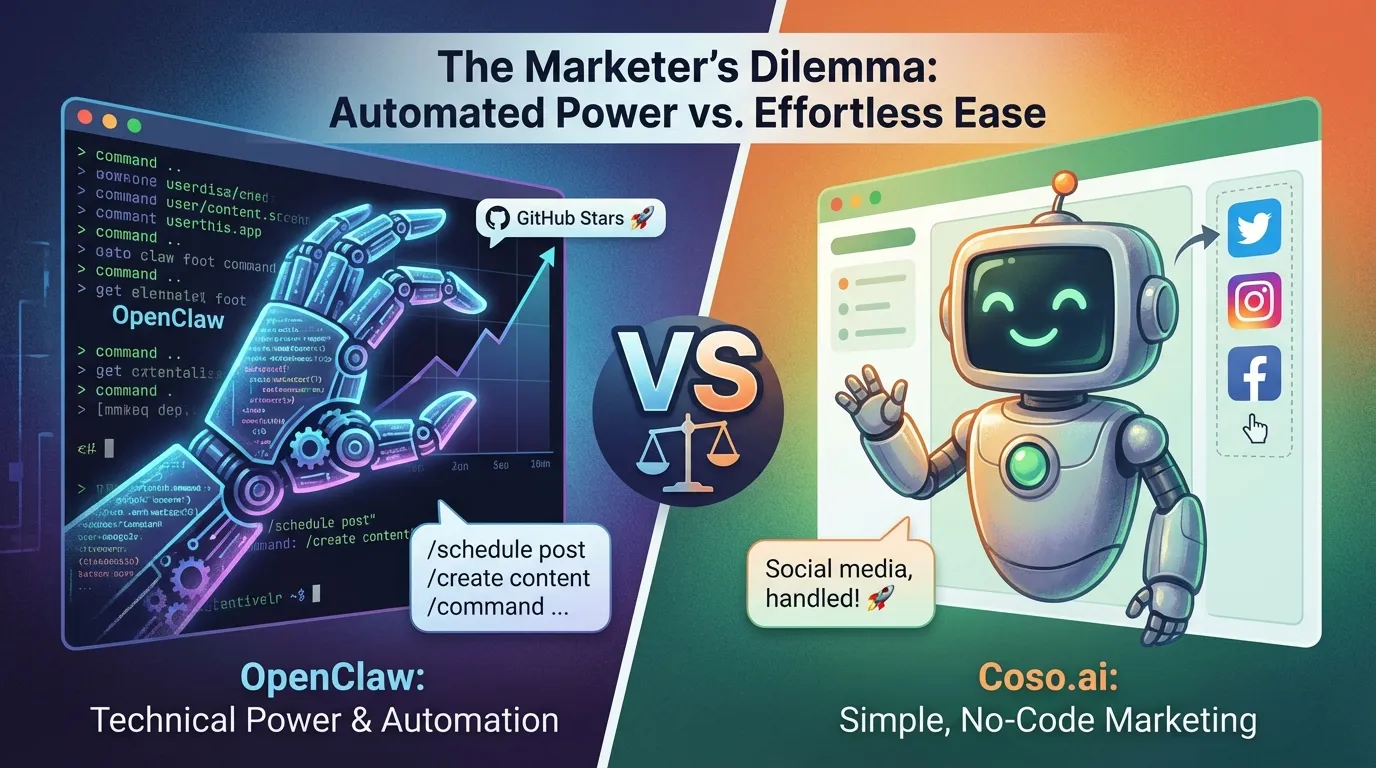
You’ve probably heard of OpenClaw. Maybe you’ve seen it mentioned on Twitter or in a dev forum. In 60 days, this open-source AI project became the fastest-growing in GitHub history, with more stars than React, Vue, or almost any other software project.
Here’s what marketers need to know: OpenClaw can automate your social media scheduling, content creation, and publishing, all through simple chat commands. It works 24/7 and handles the execution so you don’t have to.
The catch? It requires technical setup. If that sounds like too much, Coso.ai delivers the same social media automation without any configuration.
This guide covers what OpenClaw can do for your marketing, and why Coso.ai might be the better choice for most marketers who want results without the technical overhead.
What is OpenClaw?
Think of OpenClaw as ChatGPT that actually does things.
With ChatGPT, you have a conversation. It gives you text. You’re still doing the work.
OpenClaw receives a task, like “post this to LinkedIn tomorrow at 9am” or “create content from my latest blog post,” and executes it. It connects to your apps, remembers context across conversations, and works while you sleep.
In practical terms for social media marketing:
- Tell it what to post and when, it schedules across platforms
- Ask it to create content from your blog or product catalog, it generates posts in your brand voice
- Set it to monitor trends, it alerts you when opportunities arise
- Ask it to repurpose content, it creates variations for different platforms
The AI doesn’t just help. It acts.
Why OpenClaw Matters for Marketing
The numbers are compelling:
- Marketing teams using AI agents report saving 15-20 hours per week
- The AI marketing automation market is now $47 billion and growing
- Over 90% of marketing teams have deployed AI in at least one function
OpenClaw specifically stands out because:
- It’s free (open-source), you only pay for hosting ($5-6/month)
- It’s flexible, connects to various tools and platforms
- It’s autonomous, handles tasks without constant supervision
For social media specifically, OpenClaw can handle:
- Content generation from your existing materials
- Scheduling and publishing across platforms
- Content repurposing for different formats
- Trend monitoring and integration
Here’s how it compares to Coso.ai:
| Tool | Monthly Cost | Setup Required | Social Media Automation |
|---|---|---|---|
| OpenClaw | $25-50 | Yes (technical) | Yes, with configuration |
| Coso.ai | $149+ | No | Yes, works right away |
OpenClaw has a lower cost, but requires technical setup. Coso.ai costs more upfront but delivers the same social media automation immediately. The key difference is time: OpenClaw saves dollars but demands setup effort. Coso.ai works in minutes.
What Can OpenClaw Do for Your Social Media Marketing?
1. Automated Content Scheduling
OpenClaw can manage your social media calendar. Tell it what to post and when, and it handles the scheduling across platforms. You can set up workflows where content is automatically published at optimal times.
2. Content Generation from Your Materials
Feed OpenClaw your blog posts, product descriptions, or other content. It generates social media posts tailored to each platform, adapting tone and format automatically.
3. Content Repurposing
Write one piece of content. OpenClaw transforms it into:
- Tweets with different hooks
- LinkedIn post variations
- Instagram captions
- Content for other platforms
You provide the source material, OpenClaw handles the adaptation.
4. Multi-Platform Publishing
OpenClaw connects to your social accounts and publishes directly. Set it up once, and it handles ongoing posting while you focus on strategy.
5. Trend Monitoring
Set OpenClaw to watch for industry trends and topics. When relevant opportunities arise, it alerts you so you can capitalize quickly.
The Catch: Technical Setup Required
Here’s the honest assessment: OpenClaw isn’t plug-and-play.
To get started, you need to:
- Install and configure the software (Node.js, terminal commands)
- Set up hosting (Cloudflare or a VPS)
- Connect to AI models (Claude, GPT, or DeepSeek)
- Configure integrations for your specific social platforms
If you’re comfortable with APIs, terminals, and configuration files, this is doable over a weekend.
If you’re not, expect a learning curve, or a helpful developer friend.
Security note: OpenClaw is open-source with community-built extensions. Some aren’t vetted. Cisco’s security team found some extensions exfiltrating data during testing. For enterprise use, Nvidia offers NemoClaw with sandboxed security.
How to Get Started (For Technical Users)
If you’re ready to DIY, here’s the path:
Option 1: Cloudflare (~$5/month)
- Easiest setup
- Enterprise reliability
- No Linux management needed
Option 2: Self-Hosted VPS (~$6/month)
- Full control
- Runs on Mac Mini or DigitalOcean
- More customization
Requirements:
- Node.js 22.16+
- 16GB RAM minimum
- Comfort with command line
The Out-of-the-Box Alternative: Coso.ai
Let’s be direct.
If OpenClaw sounds like too much setup, you’re not alone. Most marketers don’t want to configure servers or manage integrations. They want tools that work.
That’s where Coso.ai comes in.
Coso.ai delivers the same social media automation as OpenClaw, without any technical setup:
- AI-generated content in your brand voice
- Automated scheduling across platforms
- Content repurposing from your existing materials
- Trend integration to keep content fresh
- Approval workflows for team collaboration
- Works in minutes, no configuration needed
Choose OpenClaw if you:
- Have technical resources available
- Want maximum flexibility and customization
- Enjoy building and tweaking systems
- Have budget constraints but time to invest
Choose Coso.ai if you:
- Want social media automation that works immediately
- Value your time over DIY setup
- Need approval workflows for team collaboration
- Want support and reliability out of the box
Both deliver solid social media automation. OpenClaw is for those who want to build. Coso.ai is for those who want results.
FAQs
Is OpenClaw free?
OpenClaw itself is free. Your costs:
- Hosting: $5-6/month
- AI usage: $20-45/month
- Total: roughly $25-50/month
Do I need to code?
Yes, for setup. Daily use is conversational, you chat with the agent. But initial configuration requires comfort with terminals and configuration files.
What can OpenClaw do for social media?
OpenClaw can generate content, schedule posts, repurpose content across platforms, and monitor trends. The specific capabilities depend on how you configure it and what extensions you install.
How does Coso.ai compare?
Coso.ai does the same things for social media automation:
- Content generation from your materials
- Scheduling across platforms
- Content repurposing
- Trend integration
The difference is Coso.ai works immediately, no configuration required.
What technical skills do I need for OpenClaw?
Comfort with:
- Command line / terminal
- Configuration files
- Basic understanding of APIs
- Server or cloud hosting
If that sounds unfamiliar, Coso.ai is the better choice.
Real Results
One developer built an OpenClaw agent for his mobile app marketing. The agent created content, scheduled posts, and drove traffic autonomously.
Result: 8 million views in one week and $671 MRR without manual effort.
This is what’s possible when AI agents work 24/7 on your marketing.
The Bottom Line
OpenClaw is legitimate. It can automate your social media workflow at a lower cost than most tools.
But it’s built for builders. If you’re comfortable with that, the value is real.
If you want social media automation without the technical overhead, Coso.ai delivers the same core benefits, content generation, scheduling, and repurposing, without any setup.
Not sure which is right for you? Our team can help you evaluate your options based on your current tools and team capabilities.